Hey there! I’m excited to share with you how I created this fun cartoon using Microsoft Designer to express how our holiday season is split between Belgium and the US. It’s a visual representation of the festive vibes in Brussels and Miami, two cities close to my heart.
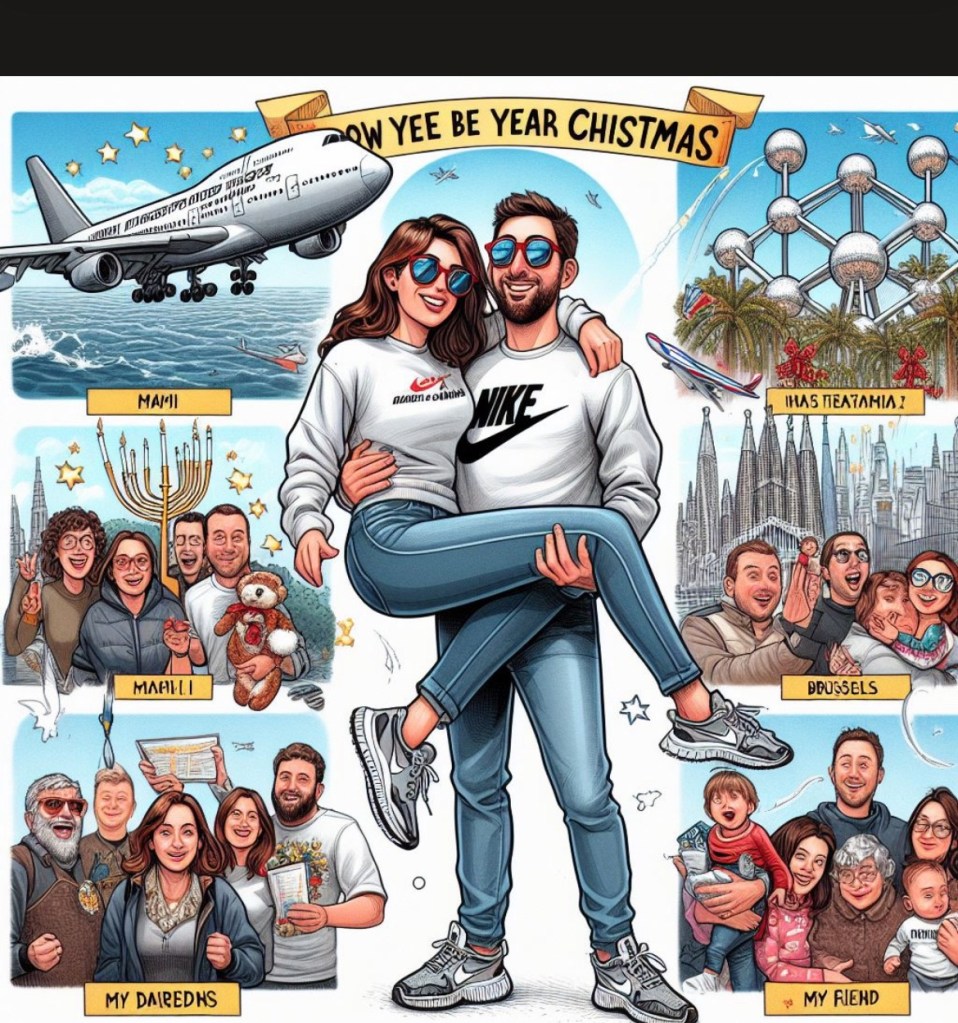
celebrating holidays season
between Miami and Brussels.
How I Created This Picture: I started by sketching out my idea on paper – envisioning the iconic landmarks of both cities, the Atomium in Brussels and the sunny beaches of Miami. Then, I jumped into Microsoft Designer – an intuitive, user-friendly tool that empowers you to bring your creative visions to life.
With Microsoft Designer’s vast library of templates and design elements, I was able to create detailed illustrations and vibrant backgrounds that capture the essence of both cities. The drag-and-drop interface made it easy for me to add personalized touches like family photos and custom text.
What is Microsoft Designer? For those unfamiliar with this gem, Microsoft Designer is a visual content creation tool that enables professionals like us to create stunning graphics without any design experience. It offers customizable templates for various content types – from infographics and presentations to social media posts and print materials.
Now back to my creation! The cartoon showcases our family in cozy sweaters amidst a backdrop of fireworks in Miami while our friends are celebrating under the iconic Atomium in Brussels. A plane flying overhead symbolizes our journey between these two beloved places during the holiday season.
How to Create a Cartoon Picture with Microsoft Designer:
- Navigate to Microsoft Designer’s image creator 1.
- In the text box labeled “Describe the design you want to create,” enter a phrase that describes the design you want to create.
- Hit “Try for Free,” then pick the design that matches your vision most closely – you can edit your work from here.
- Use the drag-and-drop interface to add personalized touches like family photos and custom text.
- Save your creation and share it with your loved ones!
Feel free to explore Microsoft Designer yourself – it’s your canvas waiting for your creativity! Happy designing!

 Md Consulting
Leave a comment